100 AI Tools to Excel in Your Professional Career (2026 Guide)
AI fluency has quietly become one of the most valuable skills on any resume. Employers in 2026 increasingly expect professionals to research faster, write better, analyse data and automate routine work with AI — and new roles in India's fastest-growing hiring segments now routinely list AI or data skills as requirements. The professionals who stand out are not those who know the most tools, but those who use a few of them deeply to deliver visible results.
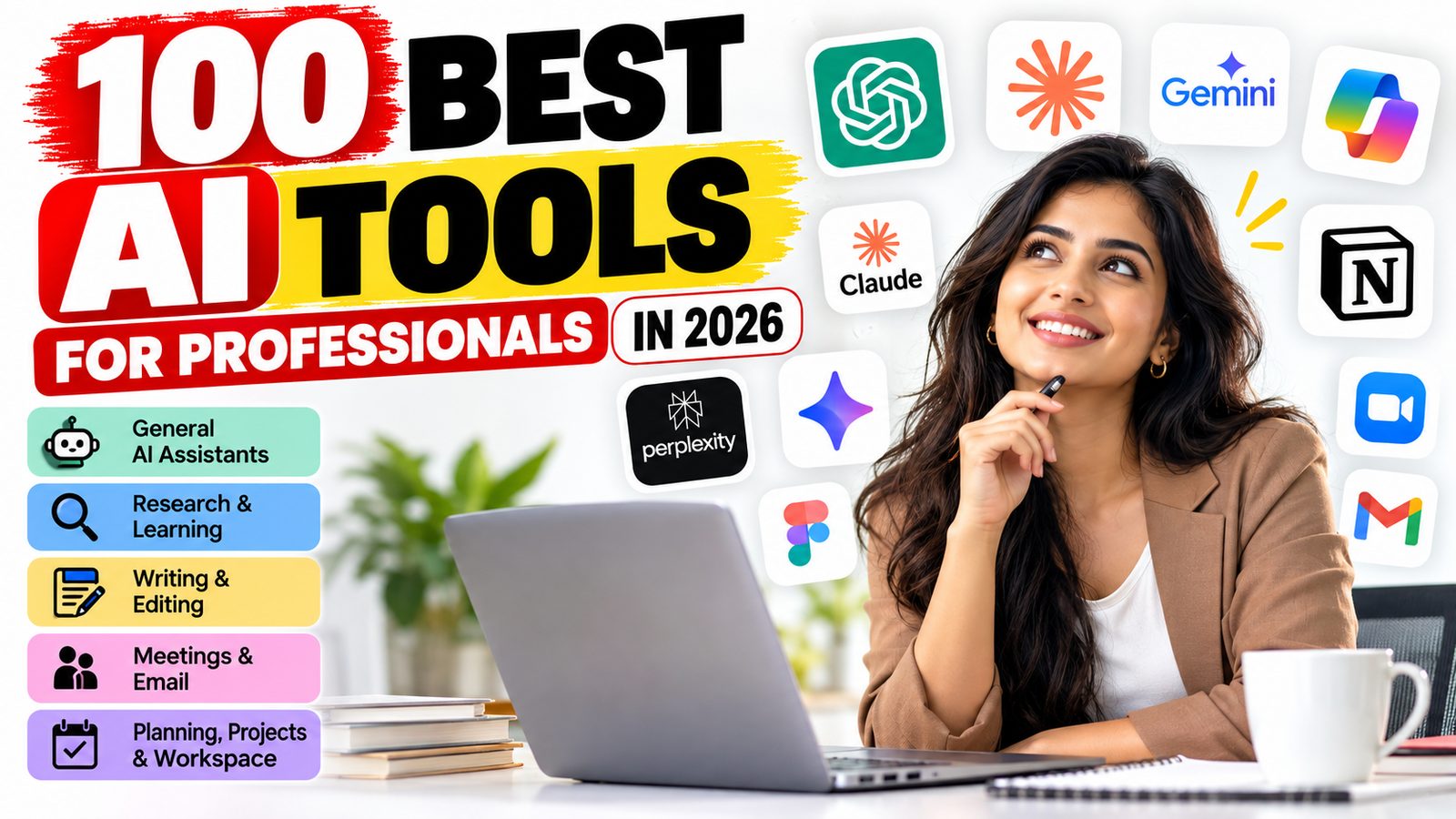
This guide brings together 100 of the most useful AI tools for professionals, organised into ten categories: general assistants, research, writing, meetings, planning, presentations, data, coding, design and media, and career growth. For each tool you'll find what it does and how it can help your career, followed by starter kits by role and practical advice on showcasing AI skills to recruiters.
How to use this guide
Don't try all 100 tools. Pick one general assistant from the first category, then add four to six specialised tools that match your daily work. Spend two to four weeks using each one on real tasks before judging it.
- Start with your biggest time drain. If meetings eat your day, start with a meeting assistant. If reports take hours, start with a data or presentation tool.
- Use the free tier first. Most tools here offer a free plan or trial; upgrade only once a tool saves you real time each week.
- Track the result. Note the hours saved or quality improved. These numbers become strong resume bullet points later.
- Check your employer's policy. Many companies approve specific AI tools for confidential work. Use those for anything sensitive.
Tools and features change quickly, so confirm current pricing and capabilities on each tool's website.
1. General AI assistants
Your everyday AI co-worker. Pick one and learn it deeply — good prompting skills carry over to every other tool.
| # | Tool | What it does | How it helps your career |
|---|---|---|---|
| 1 | ChatGPT | OpenAI's all-round assistant for writing, analysis, images and voice | Draft emails, reports and plans; brainstorm ideas; prepare for interviews |
| 2 | Claude | Anthropic's assistant, strong at long documents, careful reasoning, writing and coding | Review contracts and reports, write polished documents, analyse files |
| 3 | Google Gemini | Google's assistant, built into Gmail, Docs, Sheets and Drive | Summarise inbox threads and draft documents where you already work |
| 4 | Microsoft Copilot | AI across Word, Excel, Outlook, PowerPoint and Teams | Ideal if your company runs on Microsoft 365 |
| 5 | Perplexity | AI search engine that answers with cited sources | Research industries, competitors and companies before interviews |
| 6 | DeepSeek | Capable free assistant for reasoning, maths and code | A strong free option for technical problem-solving |
| 7 | Grok | xAI's assistant with real-time access to posts on X | Track live news and industry conversations |
| 8 | Mistral Le Chat | Fast assistant from European company Mistral AI | Quick drafting and research with strong privacy options |
| 9 | Meta AI | Assistant inside WhatsApp, Instagram and Facebook | Quick answers and drafts on your phone |
| 10 | Manus | Autonomous agent that completes multi-step tasks | Delegate research projects, comparisons and data gathering |
2. Research and learning
These tools help you learn faster, find reliable evidence and make sense of long documents — essential for upskilling and for roles that run on research.
| # | Tool | What it does | How it helps your career |
|---|---|---|---|
| 11 | NotebookLM | Google's research notebook that answers questions from documents you upload, and can create audio overviews | Turn course notes, reports or policy documents into summaries and study guides |
| 12 | Elicit | Finds and summarises academic papers | Back proposals and reports with real research |
| 13 | Consensus | Answers questions from scientific studies | Get evidence-based answers for health, policy or business decisions |
| 14 | Scite | Shows whether a paper's claims have been supported or disputed by later studies | Check the credibility of research before citing it |
| 15 | ResearchRabbit | Maps related papers and authors | Explore a new field quickly |
| 16 | Connected Papers | Visual graph of papers linked to one you choose | Find the key work in a topic at a glance |
| 17 | ChatPDF | Chat with any PDF | Pull key points from long reports, manuals or annual reports |
| 18 | Humata | AI analysis of long documents | Review contracts, tenders and technical papers faster |
| 19 | Coursera Coach | AI tutor built into Coursera courses | Learn new certifications faster with explanations and quizzes |
| 20 | Speak | AI conversation partner for learning languages | Practise spoken English or a new language for global roles |
3. Writing and editing
Clear writing is one of the most visible professional skills. These tools sharpen your emails, reports, resumes and posts.
| # | Tool | What it does | How it helps your career |
|---|---|---|---|
| 21 | Grammarly | Checks grammar, tone and clarity wherever you type | Send polished, professional emails and documents every time |
| 22 | QuillBot | Paraphrases, summarises and checks grammar | Rephrase awkward sentences and condense long text |
| 23 | Wordtune | Suggests rewrites in different tones and lengths | Adjust tone for clients, managers or colleagues |
| 24 | DeepL | High-quality translation plus DeepL Write for editing | Communicate with international teams and clients |
| 25 | Jasper | Marketing content in a consistent brand voice | Produce campaigns, ads and product copy at scale |
| 26 | Copy.ai | AI workflows for sales and marketing content | Automate outreach emails and sales messaging |
| 27 | Writesonic | SEO-focused blog and web content | Build content that ranks in search |
| 28 | Lex | Minimal writing app with an AI editor | Draft long articles and reports with focused feedback |
| 29 | Wispr Flow | Voice dictation that turns speech into clean text in any app | Write emails and notes several times faster by speaking |
| 30 | Hemingway Editor | Highlights hard-to-read sentences and offers AI fixes | Make reports and resume bullets simpler and punchier |
4. Meetings and email
Meetings and inboxes consume a large part of most working days. These tools take notes, summarise discussions and help you reply faster. Always tell participants when a meeting is being recorded.
| # | Tool | What it does | How it helps your career |
|---|---|---|---|
| 31 | Otter.ai | Live transcription and meeting summaries | Stay present in meetings and share accurate notes |
| 32 | Fireflies.ai | Records, transcribes and searches meetings | Find past decisions and commitments in seconds |
| 33 | Granola | Enhances your own meeting jottings into full notes | Clean notes without a bot joining the call |
| 34 | Fathom | Free meeting recorder with instant summaries | Share action items right after every call |
| 35 | tl;dv | Meeting highlights and CRM updates | Ideal for sales and customer-facing roles |
| 36 | Read.ai | Summaries plus feedback on how you speak in meetings | Improve your talk time, pace and engagement |
| 37 | Zoom AI Companion | Summaries, catch-ups and drafting inside Zoom | Catch up on meetings you joined late |
| 38 | Krisp | Noise cancellation and call notes | Sound professional on calls from home or busy offices |
| 39 | Superhuman | Fast email client with AI triage and replies | Reach inbox zero and reply quickly |
| 40 | Shortwave | AI email assistant for Gmail | Summarise threads and draft replies in your own style |
5. Planning, projects and workspace
These tools organise tasks, protect focus time and keep projects on track — skills every manager and team lead is measured on.
| # | Tool | What it does | How it helps your career |
|---|---|---|---|
| 41 | Notion AI | AI inside Notion for notes, wikis and drafting | Build a searchable second brain and team knowledge base |
| 42 | ClickUp Brain | AI across ClickUp tasks, docs and updates | Generate status updates and summaries automatically |
| 43 | Asana AI | Flags project risks and automates workflows | Spot delays early and keep stakeholders informed |
| 44 | monday.com AI | Automates boards and summarises work | Manage team workload without manual updates |
| 45 | Motion | Auto-schedules tasks into your calendar | Never miss deadlines; plan your day automatically |
| 46 | Reclaim.ai | Protects focus time and habits in your calendar | Block time for deep work and learning |
| 47 | Clockwise | Optimises team calendars | Reduce meeting fragmentation across your team |
| 48 | Mem | Self-organising AI notes | Capture ideas fast and find them later without filing |
| 49 | Taskade | AI to-do lists, mind maps and agents | Plan projects and brainstorm visually |
| 50 | Claude Cowork | Anthropic's desktop agent for multi-step knowledge work | Hand off research, file organisation and document tasks |
6. Presentations and visual communication
A strong deck can win a promotion, a client or a job offer. These tools turn ideas into professional slides and visuals in minutes.
| # | Tool | What it does | How it helps your career |
|---|---|---|---|
| 51 | Gamma | Creates decks, documents and web pages from a prompt | Go from outline to polished deck in minutes |
| 52 | Beautiful.ai | Slides that auto-format as you edit | Consistent, professional design without design skills |
| 53 | Pitch | Collaborative presentation software | Build team decks together in real time |
| 54 | Canva Magic Studio | AI design, writing and image tools inside Canva | Create social posts, posters, slides and personal branding |
| 55 | Napkin.ai | Turns text into diagrams and infographics | Explain complex ideas visually in reports |
| 56 | Prezi AI | Dynamic, zooming presentations | Stand out in interviews and pitches |
| 57 | Plus AI | AI slides inside Google Slides and PowerPoint | Create and edit slides in tools your company already uses |
| 58 | SlidesAI | Converts text into Google Slides | Turn reports into decks quickly |
| 59 | Claude in PowerPoint | Builds and edits slides inside PowerPoint | Restructure and polish existing decks with AI |
| 60 | Decktopus | Template-based pitch decks | Fast decks for startup pitches and proposals |
7. Data, spreadsheets and analytics
Data skills are among the most in-demand on any resume. These tools let you analyse data and build reports without being a programmer.
| # | Tool | What it does | How it helps your career |
|---|---|---|---|
| 61 | Claude in Excel | Builds formulas, cleans data and creates models inside Excel | Speed up financial models and data cleanup |
| 62 | Julius AI | Chat with spreadsheets and generate charts | Analyse data in plain English |
| 63 | Rows | AI spreadsheets with built-in data connectors | Build live reports that update themselves |
| 64 | Power BI Copilot | AI report building in Microsoft Power BI | Create dashboards and insights faster |
| 65 | Tableau Pulse | Automated insights from Tableau data | Get proactive alerts on business metrics |
| 66 | ThoughtSpot | Ask business data questions in plain English | Self-serve analytics for managers |
| 67 | Hex | AI-assisted data notebooks | Combine SQL, Python and AI for deeper analysis |
| 68 | Formula Bot | Generates Excel and Google Sheets formulas | Never get stuck on a complex formula again |
| 69 | Akkio | No-code predictive analytics | Forecast sales or churn without coding |
| 70 | Polymer | Instant dashboards from spreadsheets | Turn raw data into shareable dashboards in minutes |
8. Coding and building software
AI coding tools are reshaping software jobs. For developers they are now a baseline expectation; for non-developers, they make it possible to build simple apps and automations.
| # | Tool | What it does | How it helps your career |
|---|---|---|---|
| 71 | GitHub Copilot | Code completion and chat inside your editor | Write and review code faster |
| 72 | Cursor | AI-first code editor | Edit whole codebases with natural-language instructions |
| 73 | Claude Code | Anthropic's agentic coding tool for the terminal, desktop and mobile | Delegate features, bug fixes and refactors |
| 74 | OpenAI Codex | Coding agent that completes tasks in the background | Run multiple coding tasks in parallel |
| 75 | Windsurf | AI code editor with agent workflows | Build and debug with an AI pair programmer |
| 76 | Replit | Browser-based coding with an AI agent and hosting | Build and deploy apps without local setup |
| 77 | Lovable | Builds web apps from descriptions | Non-coders can prototype product ideas |
| 78 | Bolt.new | Full-stack prototypes from a prompt | Demo ideas to stakeholders quickly |
| 79 | v0 | Generates UI components and front-ends | Create interface mockups and working components |
| 80 | Tabnine | Privacy-focused code completion | Safe AI coding for companies with strict data rules |
A portfolio of projects built with these tools is one of the strongest ways for freshers to stand out in today's tech job market.
9. Design, image, video and audio
Visual content and video now drive marketing, training and personal branding. These tools let anyone produce professional media.
| # | Tool | What it does | How it helps your career |
|---|---|---|---|
| 81 | Midjourney | High-quality AI image generation | Create concept art, mood boards and marketing visuals |
| 82 | Adobe Firefly | AI images built into Photoshop, Illustrator and Express | Commercially safer AI images for client work |
| 83 | Figma AI | AI features inside Figma | Speed up UI design, prototyping and copy |
| 84 | Runway | AI video generation and editing | Produce video content without a film crew |
| 85 | Google Veo | Google's realistic AI video generator | Create short clips for ads and presentations |
| 86 | Synthesia | Videos with AI presenters | Make training and explainer videos at scale |
| 87 | HeyGen | AI avatar videos and video translation | Translate your videos into other languages |
| 88 | Descript | Edit video and podcasts by editing the transcript | Edit like a document; remove filler words in one click |
| 89 | CapCut | Video editor with AI captions and effects | Quick, polished social media videos |
| 90 | ElevenLabs | Natural AI voices and dubbing | Professional voiceovers for videos and courses |
Respect copyright and consent: don't recreate real people's likeness or voice, or protected brands and characters, without permission.
10. Career growth, job search and automation
The final category helps you land the job and then automate the repetitive parts of it.
| # | Tool | What it does | How it helps your career |
|---|---|---|---|
| 91 | LinkedIn Premium AI | AI help with profile writing, job matching and outreach | Strengthen your profile and see how you match each role |
| 92 | Teal | Job tracker with AI resume tailoring | Organise applications and tailor each resume |
| 93 | Rezi | AI resume builder focused on ATS compatibility | Make sure applicant tracking systems can read your resume |
| 94 | Kickresume | Resume and cover letter templates with AI writing | Create a professional resume quickly |
| 95 | Jobscan | Compares your resume with a job description | Find missing keywords before you apply |
| 96 | Yoodli | AI speech coach | Practise interviews and presentations with feedback on pace and filler words |
| 97 | Google Interview Warmup | Free AI interview practice from Google | Rehearse common interview questions |
| 98 | Zapier | Connects thousands of apps with AI automation | Automate repetitive tasks across tools |
| 99 | Make | Visual workflow automation | Build complex multi-step automations without code |
| 100 | n8n | Open-source automation with AI agents | Build custom automations and AI agents you control |
Use AI to tailor and polish your resume, but make sure every claim is true and that it still sounds like you.
Starter kits by role
Mastering five tools beats dabbling in fifty. Start with the kit closest to your role.
| Role | Starter kit |
|---|---|
| Any professional | One assistant (ChatGPT, Claude or Gemini), Grammarly, Otter.ai or Fathom, Gamma, NotebookLM |
| Finance and analysts | Claude in Excel or Microsoft Copilot, Julius AI, Power BI Copilot, Perplexity |
| Marketing and content | Canva Magic Studio, Jasper, Descript, ElevenLabs, Perplexity |
| Sales and customer success | tl;dv, Copy.ai, Shortwave, LinkedIn Premium AI, Zapier |
| Software engineers | Cursor or Claude Code, GitHub Copilot, v0, Perplexity |
| Managers and team leads | Notion AI or ClickUp Brain, Fireflies.ai, Reclaim.ai, Gamma |
| HR and operations | Microsoft Copilot or Gemini, Otter.ai, Synthesia, Zapier |
| Students and freshers | One assistant, NotebookLM, Coursera Coach, Grammarly, Google Interview Warmup |
| Job seekers | Teal or Rezi, Jobscan, Yoodli, Google Interview Warmup, LinkedIn Premium AI |
How to show AI skills on your resume and in interviews
Recruiters care far more about what you achieved with AI than which tools you have tried. Turn your tool use into measurable results.
Write outcome-based bullet points. Compare a weak and a strong version:
- Weak: "Familiar with ChatGPT, Gamma and Power BI."
- Strong: "Cut weekly reporting time from 6 hours to 1.5 by automating data cleanup with Power BI Copilot and AI-drafted summaries."
- Strong: "Built an AI-assisted onboarding video series with Synthesia, reducing new-hire training time by 30%."
Add a focused skills line. List only the tools you use confidently, grouped by function, for example: "AI tools: Claude, Microsoft Copilot (Excel, PowerPoint), Power BI Copilot, Zapier."
Earn proof. Short certifications and courses from Google, Microsoft, Coursera, Anthropic or DeepLearning.AI add credibility. A small portfolio of real projects is even stronger.
Prepare an interview story. Be ready to describe one task you transformed with AI: the problem, what you did, how you checked the output, and the result.
Using AI responsibly at work
Using AI well also means using it safely. These habits protect you and your employer.
- Protect confidential data. Never paste client data, financials, source code or personal information into tools your company hasn't approved. Prefer enterprise versions with data protections.
- Verify every output. AI can sound confident and still be wrong. Check facts, figures, citations and code before you share or ship them.
- Stay honest. Don't present AI output as original research, and never use AI to fake credentials or experience on a resume.
- Get consent for recordings. Tell colleagues and clients when a meeting is being recorded or transcribed.
- Keep your own judgement sharp. Use AI to speed up thinking, not replace it. Your expertise is what makes the output trustworthy.
Your next steps
The gap between professionals who use AI well and those who don't is widening every year. The good news: closing it doesn't take a degree, just steady practice.
This week, ResumeMinter readers can take three simple steps:
- Choose your starter kit from the table above and sign up for the free tiers.
- Apply one tool to one real task you do every week, and measure the time saved.
- Update your resume with an outcome-based bullet point that shows the result.
Repeat this every few weeks, and within a few months AI fluency will be one of the strongest parts of your professional profile.